User Manual
ZWIZ.AI Chatbot
Chatbot and Automatic Sales System
Automatically answer chats on platforms
and close sales in one system
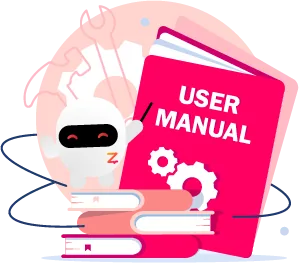
Beginner Tutorial (User Manual)
Perfect for first-time chatbot users, with step-by-step guidance.

2.Welcome Message & QuickReply
(Welcome Message & QuickReply)
3.Conversation
(Conversation)
4.Reply Comment
(Reply Comment)
5.Broadcast
(Broadcast)
6.Shop Service
(Shop Service)
7.Analytics
(Analytics)
Level Up Guide
Perfect for those who have mastered the main features and want to dive deeper.
Collection of ZWIZ.AI's Most Popular Features

Create links that bring people into chat — more chances to talk to customers and close sales.
Automatically move people who comment on your posts (FB/IG) into an Inbox conversation.
Preset replies based on the ad a customer clicked — faster answers and more accurate ad measurement.
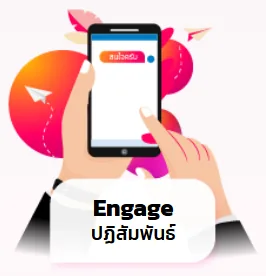
The bot answers by customer keywords — less admin work and instant sales, 24/7.
Chat with customers on every channel from one screen, and search customers by name, status or tag.
Broadcast that follows Meta's rules.
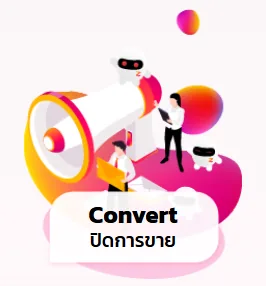
Customers pick products, add to cart, check out, pay and get tracking numbers — stock managed in one place.
Checks that transfer slips are real — not fake or duplicated.
The chatbot follows up after customers receive a promotion, bringing them back to buy.

Automatically classify customers and build precise target groups for marketing.
When customers type their email or phone in chat, the system saves it automatically.
Automatically send order data to analyze ad performance.
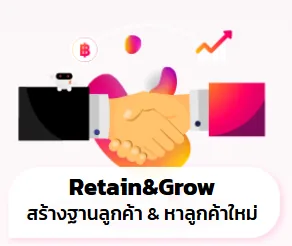
Custom Audience: turn tagged or past-chat customers into a target group for retargeting ads.
Send orders to Meta so it finds new customers who behave like your real buyers.

Connect Chatbot to Other Platforms

Elevate your chatbot with intelligent assistants that make your business easier
